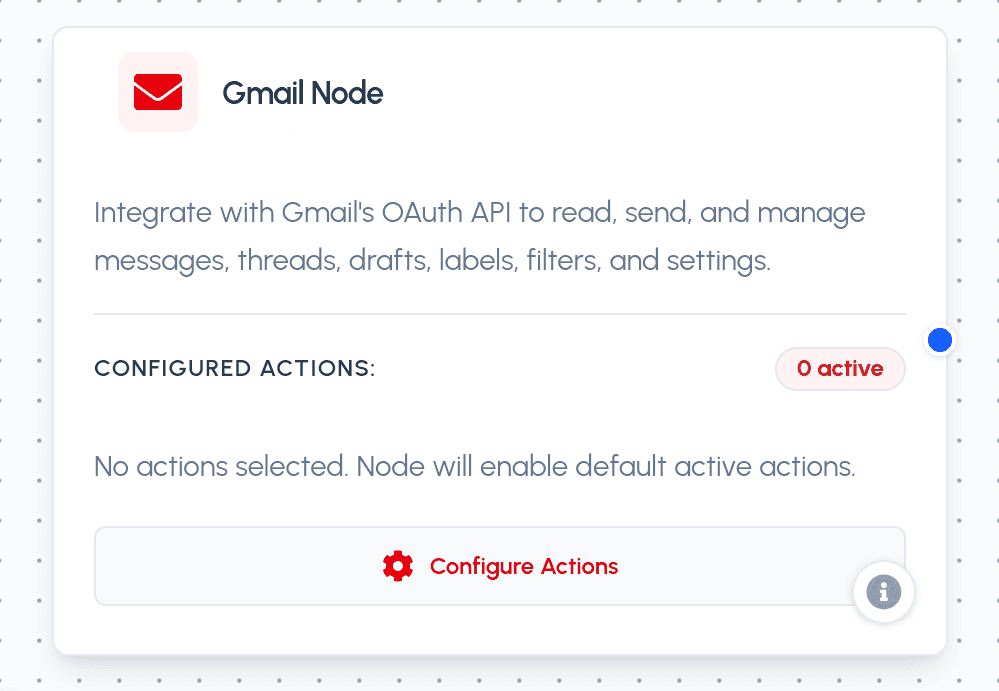
The Gmail Node integrates securely with Gmail using OAuth 2.0 via the Scalekit connection gmail-1. It enables your AI agent to read, send, and manage messages, threads, drafts, labels, filters, contacts, and mailbox settings on the connected user's Gmail account.
Parameters
Required Parameters
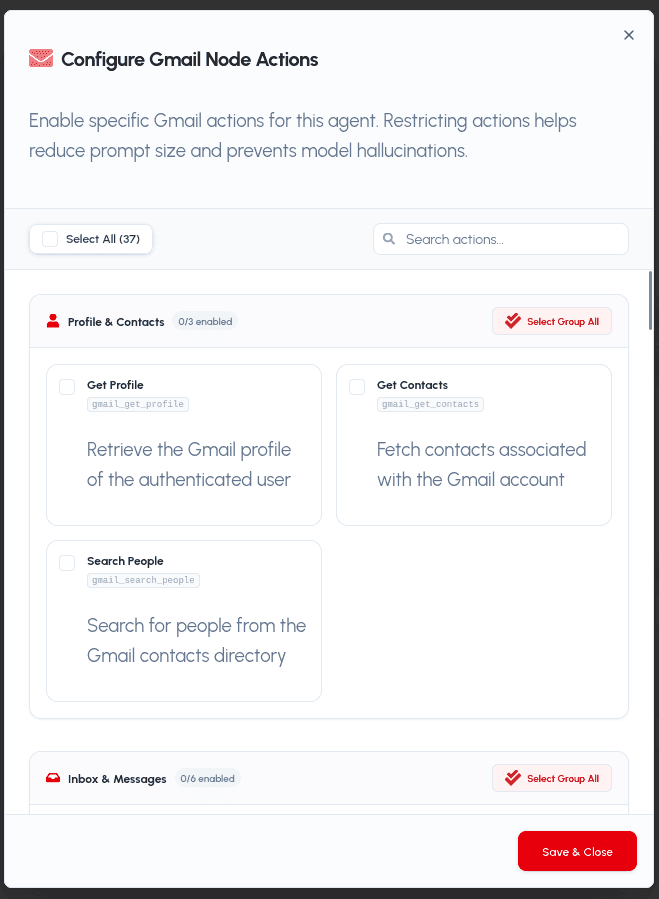
- action (string): The target Gmail tool action to run. Must be one of the enabled actions:
gmail_get_profile: Retrieve the Gmail profile of the authenticated user.gmail_get_contacts: Fetch contacts associated with the Gmail account.gmail_search_people: Search for people from the Gmail contacts directory.gmail_fetch_mails: List and fetch messages with filters like query and page size.gmail_get_message_by_id: Retrieve a specific email message by its ID.gmail_list_threads: List conversation threads matching filters.gmail_get_thread_by_id: Retrieve a conversation thread and its messages.gmail_get_attachment_by_id: Download a message attachment by its ID.gmail_reply_to_thread: Send a reply to an existing message thread.gmail_modify_message_labels: Add or remove labels on a message.gmail_trash_message: Move a message to the trash.gmail_untrash_message: Restore a message from the trash.gmail_delete_message: Permanently delete a message.gmail_batch_delete_messages: Permanently delete multiple messages at once.gmail_batch_modify_messages: Add or remove labels on multiple messages at once.gmail_create_draft: Create a new email draft.gmail_get_draft: Retrieve a specific draft by its ID.gmail_list_drafts: List all drafts in the mailbox.gmail_update_draft: Update the contents of an existing draft.gmail_delete_draft: Delete a draft by its ID.gmail_send_draft: Send an existing draft to its recipients.gmail_send_message: Compose and send a new email message.gmail_get_send_as: Retrieve the send-as alias settings for the account.gmail_update_send_as: Update a send-as alias configuration.gmail_create_label: Create a new label.gmail_get_label: Retrieve a label by its ID.gmail_list_labels: List all labels in the mailbox.gmail_update_label: Update the properties of an existing label.gmail_delete_label: Delete a label by its ID.gmail_create_filter: Create a new message filter rule.gmail_get_filter: Retrieve a specific filter by its ID.gmail_list_filters: List all filters in the mailbox.gmail_delete_filter: Delete a filter by its ID.gmail_get_vacation_settings: Retrieve the vacation (out-of-office) responder settings.gmail_update_vacation_settings: Update the vacation (out-of-office) responder settings.gmail_watch_mailbox: Start watching the mailbox for changes via push notifications.gmail_stop_mailbox_watch: Stop watching the mailbox for changes.
Optional Parameters
- params (object): A key-value dictionary containing action-specific inputs (e.g.,
{'query': 'from:boss', 'max_results': 10}forgmail_fetch_mails, or{'to': '[email protected]', 'subject': 'Hello', 'body': 'Hi'}forgmail_send_message).
Practical Use Cases
- Inbox Triage Agent: Fetch and summarize unread emails, categorize them by priority, and draft or reply with suggested responses.
- Automated Correspondence: Send follow-up emails, manage out-of-office vacation responders, and keep labels and filters organized automatically.
- Attachment & Thread Analysis: Retrieve full threads and download attachments for summarizing documents or extracting action items.