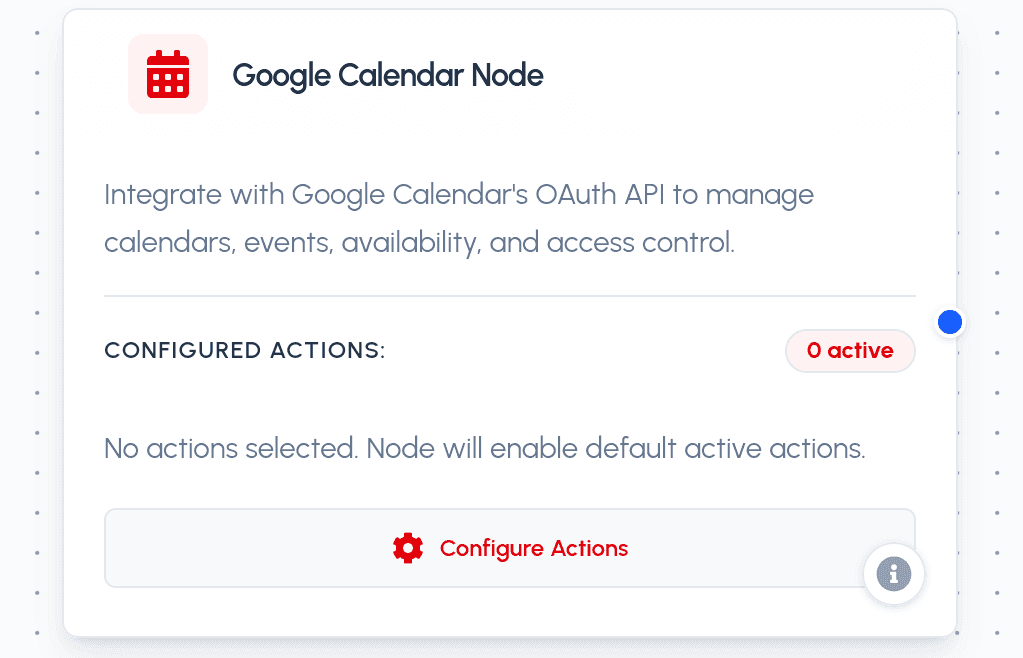
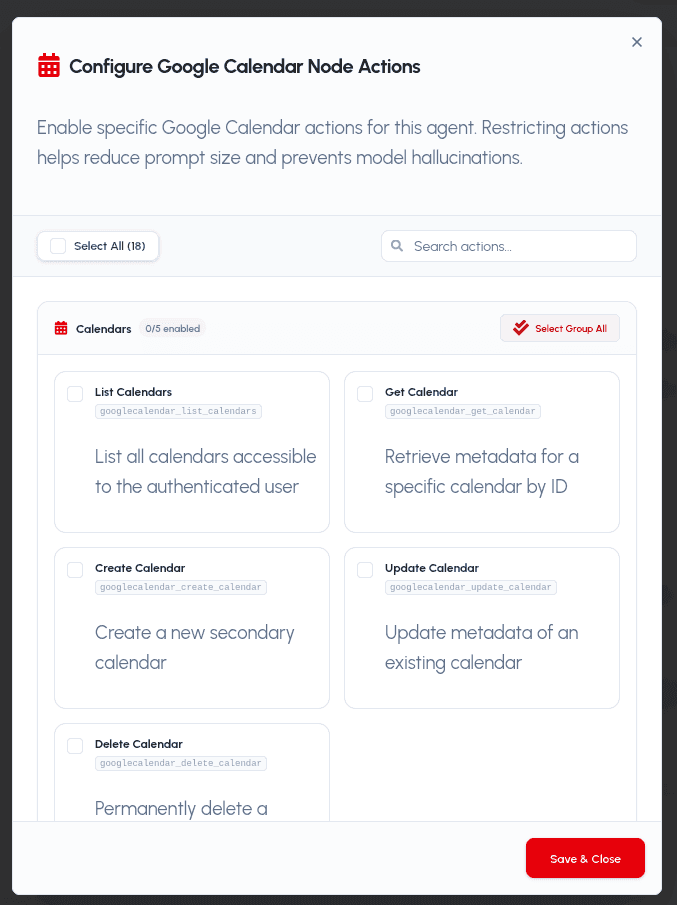
The Google Calendar Node integrates securely with Google Calendar using OAuth 2.0 via the Scalekit connection googlecalendar-2. It enables your AI agent to manage calendars, events, availability (free/busy), and access-control (ACL) rules on the connected user's Google Calendar account.
Parameters
Required Parameters
- action (string): The target Google Calendar tool action to run. Must be one of the enabled actions:
googlecalendar_list_calendars: List all calendars accessible to the user.googlecalendar_get_calendar: Retrieve metadata for a specific calendar.googlecalendar_create_calendar: Create a new secondary calendar.googlecalendar_update_calendar: Update metadata of an existing calendar.googlecalendar_delete_calendar: Permanently delete a secondary calendar.googlecalendar_list_events: List events from a calendar with filters.googlecalendar_get_event_by_id: Retrieve a specific event by its ID.googlecalendar_search_events: Free-text search events with time-range filtering.googlecalendar_list_event_instances: List individual instances of a recurring event.googlecalendar_query_freebusy: Check availability for one or more calendars.googlecalendar_create_event: Create an event with attendees, meeting links, and recurrence.googlecalendar_update_event: Update an existing event (only provided fields change).googlecalendar_delete_event: Delete an event from a calendar.googlecalendar_move_event: Move an existing event to a different calendar.googlecalendar_quick_add_event: Create an event from a natural-language description.googlecalendar_list_acl_rules: List access-control rules for a calendar.googlecalendar_insert_acl_rule: Grant a user, group, domain, or the public access to a calendar.googlecalendar_delete_acl_rule: Revoke access by permanently deleting an ACL rule.
Optional Parameters
- params (object): A key-value dictionary containing action-specific inputs.
Action-Specific Parameters
Calendars
- list_calendars:
max_results,min_access_role,page_token,show_deleted,show_hidden,sync_token. - get_calendar:
calendar_id(required). - create_calendar:
summary(required),description,location,timezone. - update_calendar:
calendar_id(required),summary,description,location,timezone. - delete_calendar:
calendar_id(required).
Events & Availability
- list_events:
calendar_id(defaults to primary),max_results,order_by,page_token,query,single_events,time_min,time_max. - get_event_by_id:
event_id(required),calendar_id,query,single_events,show_deleted,time_min,time_max,updated_min,event_types. - search_events:
calendar_id(required),query,max_results,order_by,page_token,single_events,time_min,time_max. - list_event_instances:
calendar_id(required),event_id(required),max_results,page_token,time_min,time_max. - query_freebusy:
calendar_ids(required),time_min(required),time_max(required),timezone.
Event Management
- create_event:
summary(required),start_datetime(required, RFC3339),attendees_emails,calendar_id,create_meeting_room,description,event_duration_hour,event_duration_minutes,event_type,guests_can_invite_others,guests_can_modify,guests_can_see_other_guests,location,recurrence(iCalendar RRULE),send_updates,timezone,transparency,visibility. - update_event:
calendar_id(required),event_id(required) plus any subset of the create_event fields (only provided fields are updated). - delete_event:
event_id(required),calendar_id. - move_event:
event_id(required),calendar_id(required),destination_calendar_id(required),send_updates. - quick_add_event:
calendar_id(required),text(required, natural language),send_updates.
Access Control (ACL)
- list_acl_rules:
calendar_id(required),max_results,page_token. - insert_acl_rule:
calendar_id(required),role(required),scope_type(required),scope_value,send_notifications. - delete_acl_rule:
calendar_id(required),rule_id(required).
Practical Use Cases
- Automated Scheduling: Have your agent propose and book meeting slots directly on your calendar, with attendees and Google Meet links attached, after checking free/busy availability.
- Meeting Assistant: Summarize your upcoming week, search for a specific event by keyword or person, and reschedule or move meetings between calendars.
- Team Coordination: Create shared secondary calendars and manage granular access by inserting or revoking ACL rules for teammates, groups, or domains.