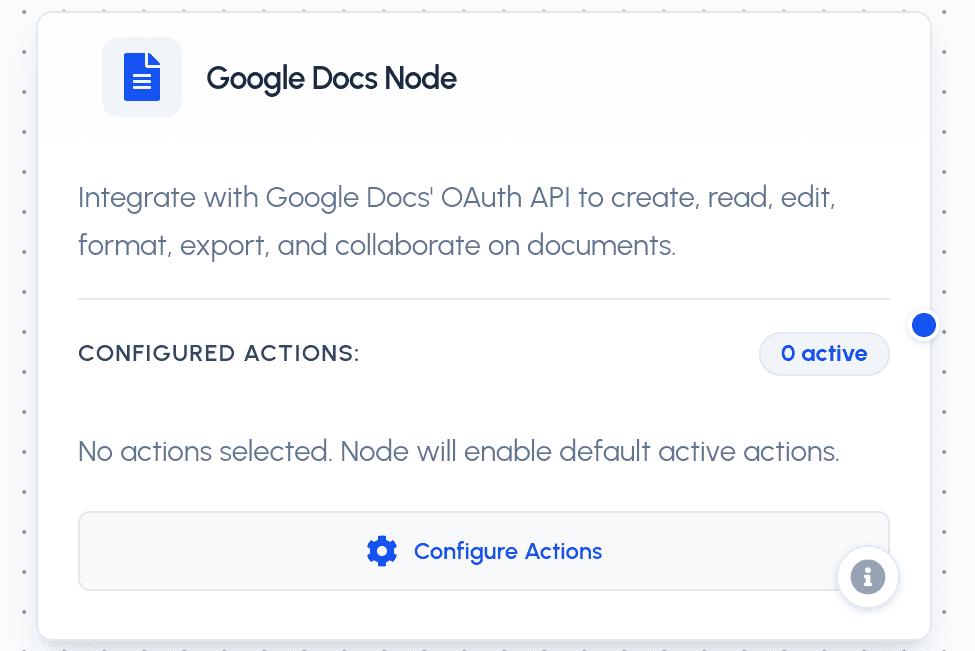
The Google Docs Node integrates securely with Google Docs using OAuth 2.0 via the Scalekit connection googledocs-0. It enables your AI agent to create, read, edit, format, export, and collaborate on documents on the connected user's Google Docs account.
Parameters
Required Parameters
- action (string): The target Google Docs tool action to run. Must be one of the enabled actions:
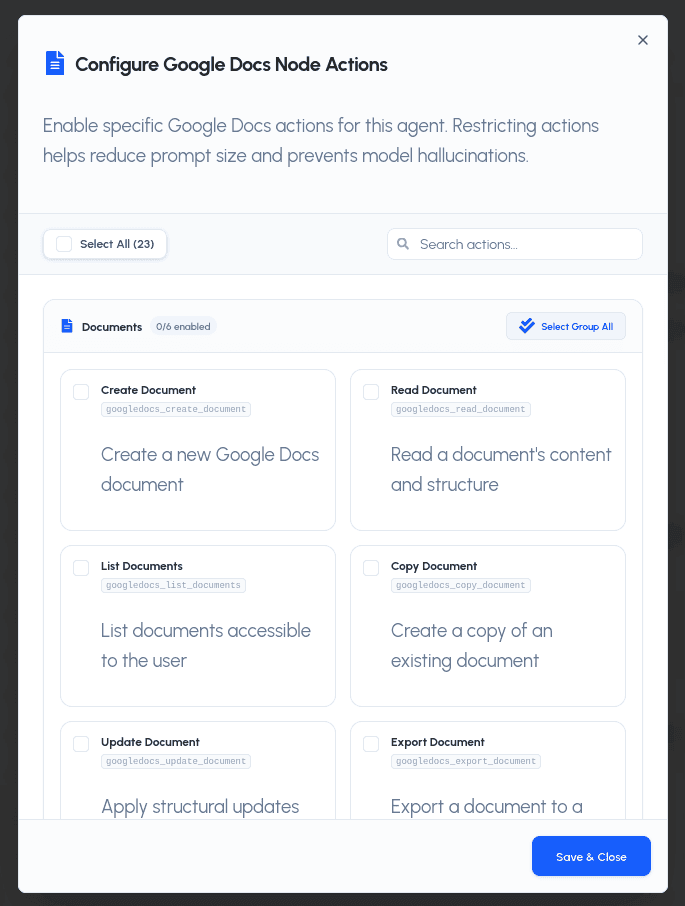
googledocs_create_document: Create a new Google Docs document.googledocs_read_document: Read a document's content and structure.googledocs_list_documents: List documents accessible to the user.googledocs_copy_document: Create a copy of an existing document.googledocs_update_document: Apply structural updates (text, tables, images) to a document.googledocs_export_document: Export a document to a different format.googledocs_insert_text: Insert text at a specific location in a document.googledocs_replace_all_text: Replace all occurrences of a text string in a document.googledocs_delete_content_range: Delete content in a given range of a document.googledocs_apply_text_style: Apply text formatting (bold, italic, font, size, color).googledocs_update_paragraph_style: Update alignment, spacing, and indent of paragraphs.googledocs_create_paragraph_bullets: Apply bullet formatting to paragraphs.googledocs_delete_paragraph_bullets: Remove bullet formatting from paragraphs.googledocs_insert_page_break: Insert a page break at a specific location.googledocs_insert_inline_image: Insert an image inline at a specific location.googledocs_insert_table: Insert a table with rows and columns into a document.googledocs_create_named_range: Create a named range referencing a document segment.googledocs_delete_named_range: Delete a named range by its ID or name.googledocs_create_comment: Add a comment to a document.googledocs_list_comments: List comments on a document.googledocs_delete_comment: Delete a comment from a document.googledocs_reply_to_comment: Reply to an existing comment.googledocs_resolve_comment: Resolve (close) a comment thread.
Optional Parameters
- params (object): A key-value dictionary containing action-specific inputs (e.g.,
{'document_id': '1abc...', 'title': 'My Document'}).
Action-Specific Parameters
Documents
- create_document:
title,body(initial content). - read_document:
document_id(required). - list_documents:
page_size,page_token,query. - copy_document:
document_id(required),title,folder_id. - update_document:
document_id(required),requests(list of structural requests). - export_document:
document_id(required),mime_type.
Content & Editing
- insert_text:
document_id(required),location(index),text(required). - replace_all_text:
document_id(required),find_text(required),replace_text(required). - delete_content_range:
document_id(required),start_index,end_index.
Formatting
- apply_text_style:
document_id(required),start_index,end_index, plus style options (bold, italic, underline, font_family, font_size, foreground_color). - update_paragraph_style:
document_id(required),start_index,end_index, plus alignment/spacing/indent options. - create_paragraph_bullets:
document_id(required),start_index,end_index. - delete_paragraph_bullets:
document_id(required),start_index,end_index. - insert_page_break:
document_id(required),location(index).
Rich Content
- insert_inline_image:
document_id(required),uri(required),location(index). - insert_table:
document_id(required),rows,columns,location(index). - create_named_range:
document_id(required),name(required),start_index,end_index. - delete_named_range:
document_id(required),named_range_idorname.
Comments & Collaboration
- create_comment:
document_id(required),text(required),location(index/range). - list_comments:
document_id(required),page_size,page_token. - delete_comment:
document_id(required),comment_id(required). - reply_to_comment:
document_id(required),comment_id(required),text(required). - resolve_comment:
document_id(required),comment_id(required).
Practical Use Cases
- Document Generation: Create and populate documents (reports, proposals, meeting notes) directly from agent outputs, then export them to PDF or other formats.
- Document Editing: Insert or replace text, apply formatting, manage tables, images, and named ranges without leaving your workflow.
- Collaboration: Add, reply to, and resolve comments programmatically to keep document review workflows moving.