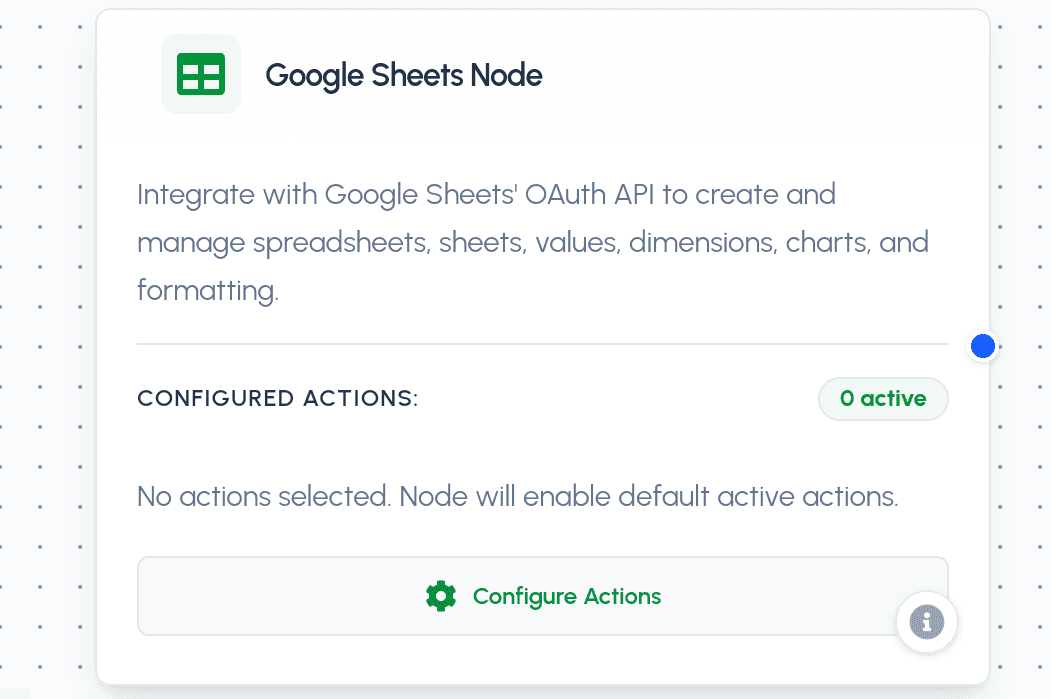
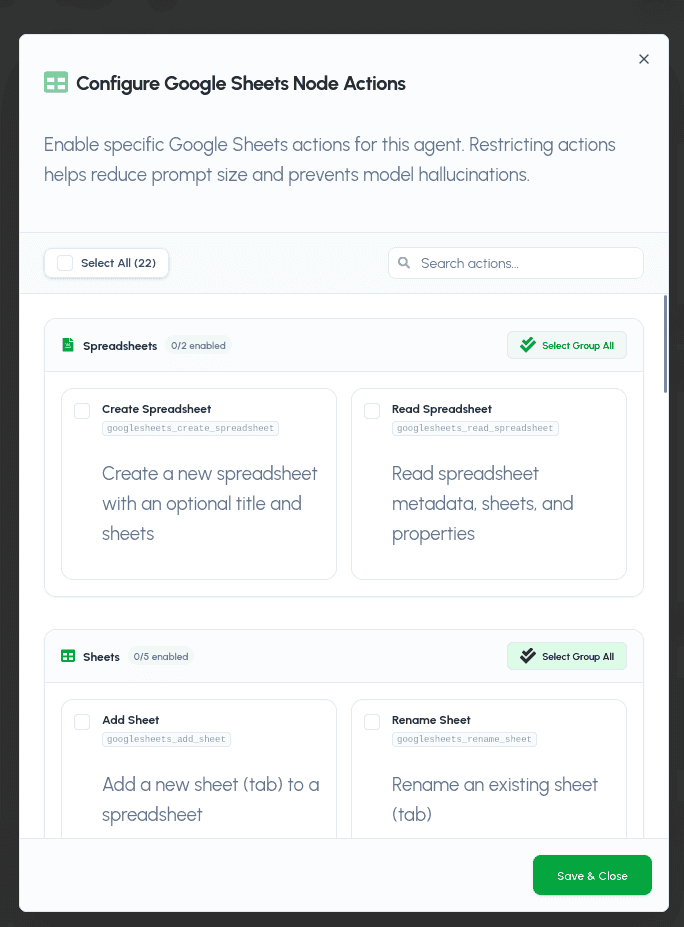
The Google Sheets Node integrates securely with Google Sheets using OAuth 2.0 via the Scalekit connection googlesheets-0. It enables your AI agent to create, read, and manage spreadsheets, sheets, cell values, dimensions, charts, and formatting on the connected user's Google Sheets account.
Parameters
Required Parameters
- action (string): The target Google Sheets tool action to run. Must be one of the enabled actions:
googlesheets_create_spreadsheet: Create a new spreadsheet with an optional title and sheets.googlesheets_read_spreadsheet: Read spreadsheet metadata, sheets, and properties.googlesheets_add_sheet: Add a new sheet (tab) to a spreadsheet.googlesheets_rename_sheet: Rename an existing sheet (tab).googlesheets_duplicate_sheet: Duplicate an existing sheet (tab).googlesheets_delete_sheet: Delete a sheet (tab) from a spreadsheet.googlesheets_copy_sheet_to: Copy a sheet to another spreadsheet.googlesheets_get_values: Read cell values from a range in a sheet.googlesheets_batch_get_values: Read cell values from multiple ranges in one request.googlesheets_update_values: Overwrite cell values in a range.googlesheets_batch_update_values: Overwrite cell values across multiple ranges in one request.googlesheets_append_values: Append rows of values to the end of a sheet.googlesheets_clear_values: Clear cell values in a range.googlesheets_batch_clear_values: Clear cell values across multiple ranges in one request.googlesheets_find_and_replace: Find and replace text or values in a sheet.googlesheets_insert_dimension: Insert rows or columns into a sheet.googlesheets_delete_dimension: Delete rows or columns from a sheet.googlesheets_format_cells: Apply formatting (fonts, colors, alignment) to cells.googlesheets_add_chart: Add a chart to a sheet.googlesheets_add_conditional_format: Add conditional formatting rules to a range.googlesheets_freeze_panes: Freeze rows and/or columns in a sheet.googlesheets_merge_cells: Merge or unmerge cells in a range.
Optional Parameters
- params (object): A key-value dictionary containing action-specific inputs (e.g.,
{'spreadsheet_id': '1abc...', 'range': 'Sheet1!A1:C10', 'values': [['a', 'b'], ['c', 'd']]}).
Practical Use Cases
- Data Collection Agent: Create spreadsheets, append incoming rows, and keep a live dataset updated automatically.
- Reporting Automation: Read ranges across multiple sheets, format cells, add charts, and generate formatted reports.
- Spreadsheet Maintenance: Rename, duplicate, merge, or delete sheets, and keep columns/rows and panes organized.