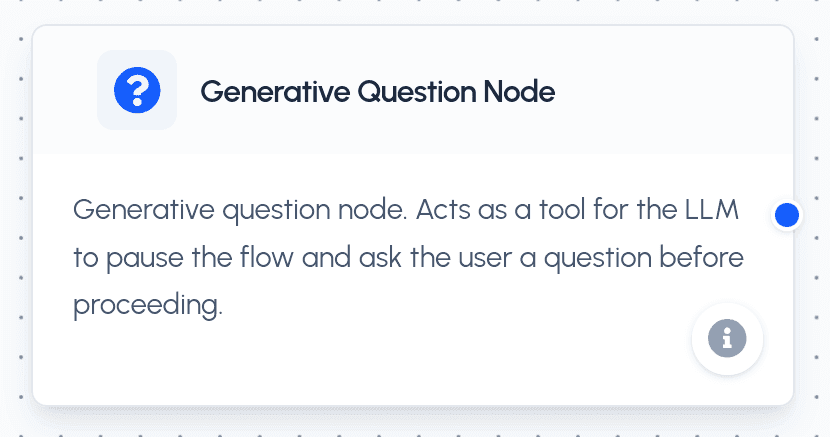
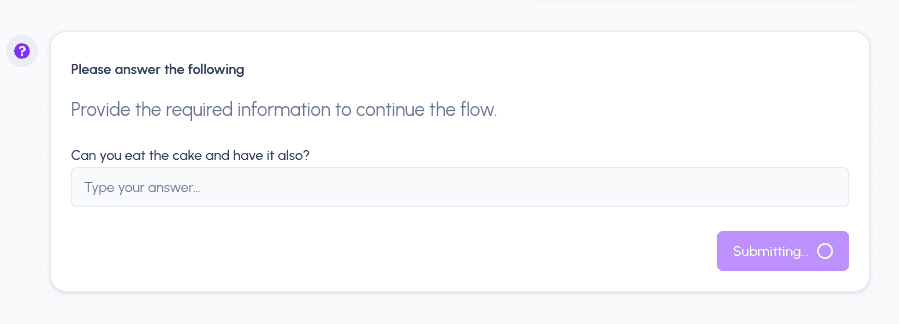
The Generative Question Node acts as a bridge between the AI Agent and the User. Unlike standard tools that return data immediately, this node allows the LLM to pause the current flow execution, interact with the user by asking one or more questions, and wait for the user's response before resuming from the exact same state.
How it Works
When the agent reaches this node (or calls the ask_user_question tool), it:
- Pauses the execution of the flow.
- Saves the current state of all variables and agent steps.
- Sends the configured questions to the user in the chat interface.
- Waits for the user to provide answers.
- Resumes execution once all questions are answered, making the user's input available as variables in the flow.
Configuration
The Generative Question Node is configured with a list of questions. Each question supports the following parameters:
| Parameter | Type | Description |
|---|---|---|
| Question Text | String | The actual question displayed to the user. |
| Variable Name | String | The snake_case name (e.g., user_company) used to store the answer in the flow context. |
| Input Type | Select | The type of input expected: free_text, multiple_choice, or file_upload. |
| Options | List | A list of strings to be used as options if the input type is multiple_choice. |
Port Connections (Handles)
The Generative Question Node fits into your flow like any standard tool:
- Input (
nodeInputConnect): Standard input handle on the left to connect preceding nodes. - Output (
outputConnect): Standard output handle on the right. Once the user answers the questions, the flow automatically resumes and proceeds to the next connected node.
Practical Use Cases
- Gathering Requirements: Use the node at the start of a flow to ask the user for specific project details or preferences before generating a plan.
- Human-in-the-Loop Validation: Pause the flow to ask the user to confirm a critical decision or choice made by the agent.
- Dynamic Data Input: Collect specific data points (like an email address or a preferred date) that the agent needs to complete a task using other tools.
- Multi-Step Forms: Chain multiple question nodes or use a single node with multiple questions to create interactive data entry sequences.