2026-11-2414 min read
From Zero to First 100 Runs: A New Creator's Guide to Caywork
Building your first AI agent feels like the hard part until you publish it and realize nobody knows it exists yet. Learning how to publish an AI agent is really learning two skills: getting a working agent through a marketplace's listing process and then getting real people to run it.
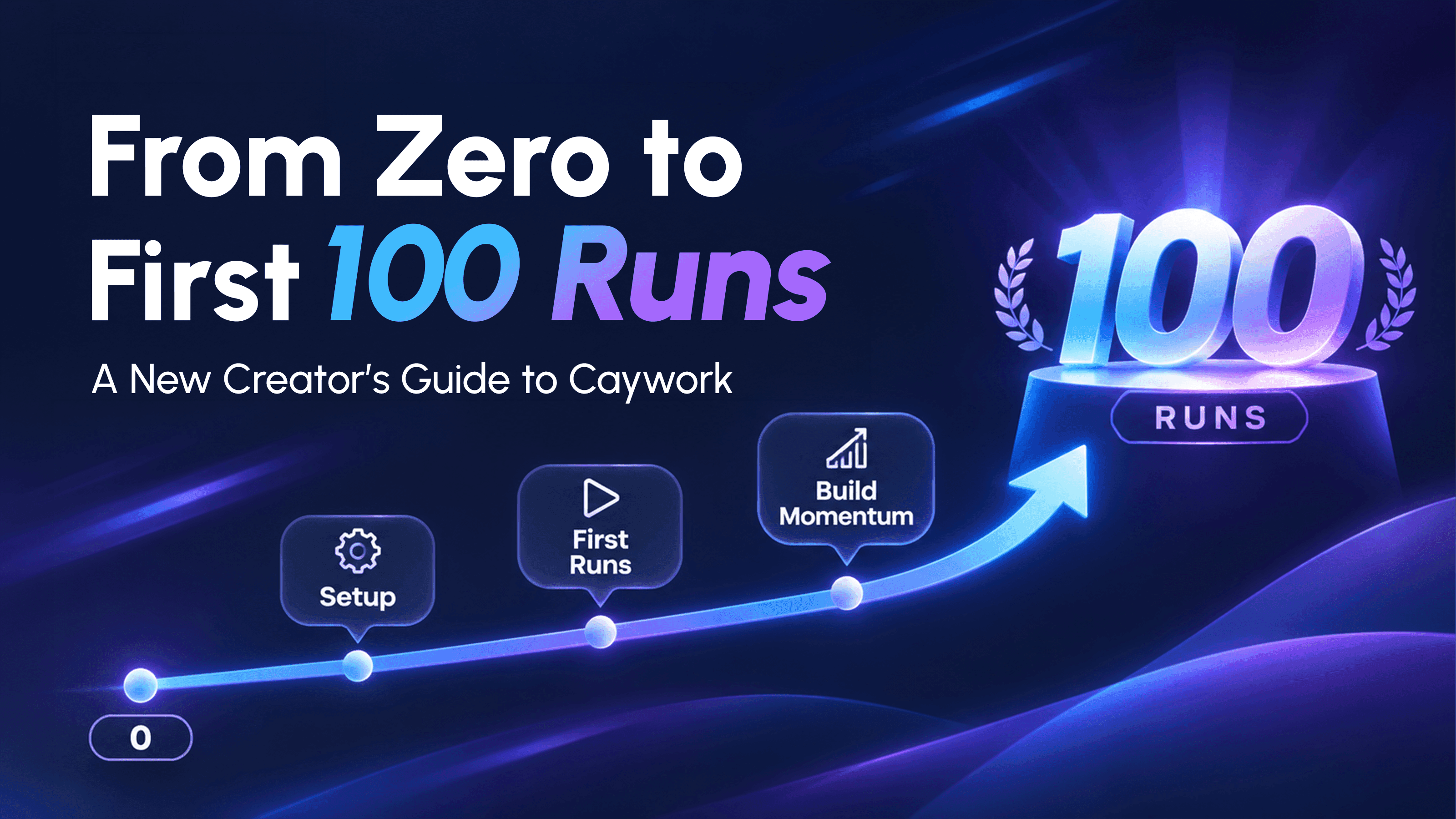
Building your first AI agent feels like the hard part until you publish it and realize nobody knows it exists yet. Learning how to publish an AI agent is really learning two skills: getting a working agent through a marketplace's listing process and then getting real people to run it. Most guides stop at the first skill and leave new creators staring at a live listing with zero activity. This guide covers both, in the order you will actually face them. You will learn how to pick an agent people want, how to test and list it, how publishing and review work, and how to grow from your first run to your first 100.
What It Takes to Publish an AI Agent in 2026
Publishing an AI agent in 2026 is no longer a niche activity for developers with cloud accounts. Marketplaces now exist at every level, from enterprise cloud catalogs to open creator platforms, and demand for ready-made agents keeps rising. Before you build anything, it helps to understand what publishing involves and why the first stretch of usage matters so much.
Why Publishing Is a Different Job From Building
Building an agent is a technical task: you connect a model, tools, and logic until the workflow produces the result you want. Publishing is a product task, because a stranger has to understand what your agent does, trust it, and decide to run it. The skills overlap, but a well-built agent with an unclear listing will still sit unused. Treat publishing as its own stage with its own checklist.
Where AI Agents Get Published Today
The major cloud providers all run AI agent marketplaces, and each has a formal process. On Google Cloud Marketplace, sellers complete product details, pricing, and technical integration reviews before publishing, and Google Cloud notes that a listing can take up to two days to become public after the final click. AWS Marketplace lists both API-based and container-based agents through a listing wizard, while Microsoft Learn explains that sellers need a Partner Center account and enrollment in its partner programs. Open creator marketplaces remove most of that setup, which is why they suit first-time creators.
Why the First 100 Runs Matter More Than Launch Day
Demand for agents is real and growing. MarketsandMarkets projects the AI agents market to grow from $7.84 billion in 2025 to $52.62 billion by 2030, with ready-to-deploy agents expected to hold the largest share. But a market that size does not send traffic to a new listing automatically. Your first 100 runs are where you learn whether the agent solves a real problem, which inputs confuse users, and what each run actually costs you.
Before You Publish: Choose an Agent People Will Actually Run
The most common reason a published agent gets no runs is that it was never designed around a specific user need. A few hours of planning before you open a builder can save weeks of rework later. These three checks help you pick an agent idea that has a real audience from day one.
Start With One Narrow, Repeatable Task
Agents that do one job well are easier to explain, easier to test, and easier to trust. Anthropic recommends finding the simplest solution possible and only adding complexity when it is needed. In practice, that means "summarize a sales call into CRM notes" beats "a sales assistant that does everything." The market is moving the same way: Gartner predicts that 40% of enterprise applications will include task-specific AI agents by the end of 2026, up from less than 5% in 2025.
Check Demand Before You Build
Look for tasks people already do manually and complain about, in your own work, in online communities, or in your clients' teams. Browse the marketplace you plan to publish on and note which categories feel crowded and which are thin. If you can name three real people who would run your agent this week, you have a strong starting point.
Estimate What a Typical Run Will Cost
Every run of an agent spends model and tool resources, so cost is part of the design, not an afterthought. Count the steps a typical run takes, which tools it calls, and how much text it processes. Cost already shapes buying decisions: McKinsey reports that about 20% of respondents say AI operating costs, including token costs, have constrained their AI use. A lean agent is easier to sell and cheaper to run.
How to Publish an AI Agent on Caywork, Step by Step
Caywork is an open AI agent marketplace where creators build agents in a visual builder, publish them for anyone on the platform to run, and earn on every run. It is free to build and publish, and you do not need coding skills or your own API keys. The seven steps below take you from a blank account to a live, public listing. For the full revenue picture, see our guides to how creators earn 75% on Caywork and how to monetize AI agents in 2026.
Step 1: Create Your Free Creator Account
Start by signing up for a free account on Caywork Creator. There are no upfront fees, hosting fees, or API costs to get started, so you can experiment without committing a budget. Once you are in, the sidebar gives you access to Discovery, the Builder, My Agents, the Sandbox, and Usage & Billing.
Step 2: Design the Workflow in the Visual Builder
Open the builder and map your agent as a flow of components. Caywork's builder uses Triggers to start a run, Agent Cores to reason, Pre-built Tools to take actions, Logic Nodes to handle conditions, and Data Outputs to return results. Keep the first version as short as possible, with only the steps your one task truly needs. The Caywork Docs also include guides on building a first agent and writing better prompts.
Step 3: Choose a Model and Connect Your Tools
Next, pick a base model for each Agent Core and add the tools your agent needs. Caywork gives you access to more than 20 AI models and over 300 pre-built tools, and it handles API calls and tool authentication for you. Choose the lightest model that does the job well, because every extra tool and model call adds to the tokens a run spends.
Step 4: Test Everything in the Sandbox
Before you submit anything, run your agent in the Sandbox, which executes workflows privately and shows a step-level trace of every run. Test it with real inputs, messy inputs, and edge cases, and watch where it slows down or fails. Live Logs and the Test Suite help you repeat tests after each change. A thoroughly tested agent also makes the review in Step 6 go more smoothly.
Step 5: Write a Listing That Explains the Result
Your listing is what turns a browser into a user, so write it around the outcome, not the technology. Every Caywork listing includes five fields, and each one has a job:
- Name: Say what the agent does in plain words, such as "Meeting Notes to CRM Summary."
- Description: Lead with the result the user gets, then explain who it is for and what inputs it needs.
- Category: Choose the category where your target users will browse, not the broadest one.
- Cover: Pick a simple, recognizable image that stands out in a list of agents.
- Example inputs: Show one or two realistic inputs so users know exactly what to provide on their first run.
Step 6: Submit Your Agent for Caywork's Review
When your agent and listing are ready, submit it for review. Caywork reviews every agent before it is published, which keeps the marketplace reliable for the people browsing it and protects the reputation of every creator on it. Make sure your description matches what the agent actually does and that your example inputs produce good results.
Step 7: Go Live and See How Each Run Pays You
Once approved, your agent goes live as a public listing that anyone on Caywork can find and run. Pricing is token-based: users spend tokens on each run, and the amount changes depending on which tools and nodes the agent uses. For every run, node and tool costs are covered first, Caywork takes a 25% platform fee on the remainder, and you keep 75%. Your dashboard shows end-user spending, node costs, and your profit share run by run.
Ready to publish your first agent? Build it, test it in the Sandbox, and submit it on Caywork for free. Once it is live, you earn 75% on every run after tool costs.
How to Get Your First 10 Runs
Going live is the starting line, not the finish line. Your first ten runs rarely come from strangers browsing a marketplace; they come from people you can reach directly. This stage is about proving the agent works for real users and collecting the feedback that will shape your next version.
Run the Agent Yourself and With People You Know
Use your own agent first, on real work, and fix anything that feels slow or unclear. Then ask colleagues, clients, or friends who have the problem your agent solves to try it. RNWY observes that most successful agent builders report the same pattern: the first ten users come from people who trust the builder, not the agent. Give each early user personal attention and ask what they expected to happen.
Share the Output, Not Just the Link
A link to a listing asks people to imagine value, while a finished output shows it. Post a before-and-after example, a sample report, or a short screen recording of a real run on LinkedIn, in communities, or in a newsletter. As RNWY puts it, an agent that produces a visible artifact turns its output into its marketing.
Turn Early Feedback Into Quick Fixes
Write down every question, complaint, and confused input from your first users. Most early fixes are small: a clearer instruction, a better example input, or one more check before the final output. Ease of use matters more than many creators expect, since G2 found that 27% of recent AI agent builder reviews list a steep learning curve as a dislike.
From 10 to 100 Runs: Growing Usage on an AI Agent Marketplace
Once a small group of users runs your agent successfully, growth becomes a matter of reach and refinement. The goal now is to make the listing convert better, show up where your users already are, and build on what is working. These habits move an agent from a handful of runs to a steady flow.
Improve the Listing Using Real Usage Data
Your early runs tell you which inputs work, which fail, and how much a typical run costs. Use that data to rewrite your description, replace weak example inputs with the ones that produced the best results, and remove steps that add cost without adding value. Predictable costs matter to buyers: G2 reports that 33% of recent reviews list pricing as a dislike, and 30% of those complaints cite unpredictable pricing.
Show Up Where Your Users Already Spend Time
A listing alone is not a distribution plan. Digital Applied warns that a common mistake is treating a marketplace listing as a post-launch formality and then waiting for results. Share use cases in the communities where your audience asks questions, write short posts about the problem your agent solves, and point people to the listing with a clear example of what they will get.
Build Your Next Agent Around What Works
When one agent gains traction, look for neighboring tasks the same users face. A creator whose meeting summary agent performs well might add a follow-up email agent or a weekly report agent for the same audience. A small catalog of related agents gives users more reasons to come back and gives you more ways to be discovered.
Common Mistakes New AI Agent Creators Make
Most stalled agents fail for predictable reasons, and nearly all of them can be avoided with a little discipline. Knowing these mistakes in advance saves time, tokens, and frustration. Here are the three that hold new creators back most often.
Building an Agent That Tries to Do Everything
Broad agents are hard to describe, hard to test, and hard to trust. When an agent tries to handle every request, it usually handles none of them reliably, and its listing ends up vague. Start narrow, prove it works, and expand only when users ask for more.
Submitting Without Real-World Tests
Testing with one perfect input is not testing. Anthropic recommends extensive testing in sandboxed environments, along with the appropriate guardrails, before agents act autonomously. Run your agent against messy, incomplete, and unusual inputs before you submit it, and you will catch most problems before a user does.
Treating Launch as the Finish Line
Publishing is the beginning of an agent's life, not the end. Creators who check their logs, respond to feedback, and update their listings regularly see steadier growth than those who publish and move on. Set a simple routine, such as a weekly review of runs and costs, for at least the first month.
Frequently Asked Questions About Publishing an AI Agent on Caywork
New creators tend to ask the same questions before they publish their first agent. The answers below cover review, skills, earnings, listings, and growth on Caywork. For the latest details, the Caywork Creator page is always the best reference.
1. Does Caywork Review My Agent Before It Goes Live?
Yes. Caywork reviews every agent before it is published to the marketplace. The review helps keep listings accurate and reliable for users. Testing your agent thoroughly in the Sandbox and making sure your description matches what the agent does are the best ways to prepare.
2. Do I Need Coding Skills or My Own API Keys?
No. Caywork's visual builder lets you design agents with triggers, agent cores, tools, and logic nodes without writing code. Caywork also routes model calls and manages tool authentication, so you do not need your own API keys for its 20+ models and 300+ tools.
3. How Do I Earn Money When Someone Runs My Agent?
Users spend tokens each time they run your agent, and the amount depends on which tools and nodes the run uses. Caywork covers node and tool costs first, takes a 25% platform fee on the remainder, and you keep 75%. You can see the breakdown for every run in your dashboard.
4. What Should My Agent Listing Include?
Every Caywork listing includes a name, description, category, icon, and example inputs. Use a name that says what the agent does, a description that leads with the result, the category where your users browse, a clear icon, and realistic example inputs that show users exactly what to provide.
5. How Can I Get More Runs After Publishing?
Start with people you know who have the problem your agent solves, then share real outputs where your audience spends time. Use feedback and run data to improve your listing and example inputs. Once one agent works, build related agents for the same users.
Final Thoughts
Getting from zero to your first 100 runs is less about building a perfect agent and more about building the right one, testing it honestly, and putting it in front of the people who need it. Caywork gives creators everything needed for that journey: a free visual builder, more than 20 models and 300 pre-built tools without API keys, a private Sandbox for testing, a reviewed public marketplace, and token-based pricing where creators keep 75% of every run after tool costs. If you have an idea for an agent, Caywork is the place to build it, publish it, and start earning from your first run.
References
- Google Cloud: https://docs.cloud.google.com/marketplace/docs/partners/ai-agents/publish
- AWS Marketplace: https://docs.aws.amazon.com/marketplace/latest/userguide/getting-started-ai-agents.html
- Microsoft Learn: https://learn.microsoft.com/microsoft-agent-365/developer/submit-agent-partner-center
- MarketsandMarkets: https://www.marketsandmarkets.com/PressReleases/ai-agents.asp
- Anthropic: https://www.anthropic.com/engineering/building-effective-agents
- Gartner: https://www.gartner.com/en/newsroom/press-releases/2025-08-26-gartner-predicts-40-percent-of-enterprise-apps-will-feature-task-specific-ai-agents-by-2026-up-from-less-than-5-percent-in-2025
- McKinsey: https://www.mckinsey.com/capabilities/quantumblack/our-insights/the-state-of-ai
- RNWY: https://rnwy.com/blog/get-users-ai-agent
- G2: https://learn.g2.com/what-buyers-really-think-about-ai-agent-builders
- Digital Applied: https://www.digitalapplied.com/blog/ai-agent-marketplaces-2026-discovery-distribution
- Caywork Creator: https://caywork.com/creator
- Caywork Docs: https://caywork.com/learn/docs/tips-and-guides
On this page